
Solution for the error "The components required to enumerate web references are not installed on this computer. Please re-install Visual studio"
Error:
If you are getting the error "The components required to enumerate web references are not installed on this computer. Please re-install Visual studio"
Screenshot:
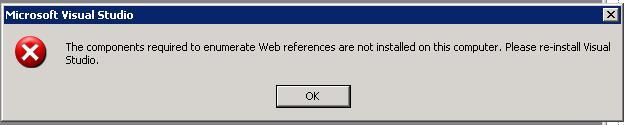
While adding Service Reference or Updating service reference, just close all the instances of Visual Studio.
Solution:
1.) Go to Start -> Run and type devenv /resetskippkgs. The error is gone.
2.) I have Visual Studio 2005 and Visual Studio 2008 installed. So, when I typed devenv /resetskippkgs it was opening Visual Studio 2005, in this case you can modify the shortcut for Visual Studio 2008 and add /resetskippkgs as parameter to the Target property of the shortcut.
e.g.
"C:\Program Files\Microsoft Visual Studio 9.0\Common7\IDE\devenv.exe" /resetskippkgs
Hope this helps.


